1 Network Privacy & Admin Account Ownership
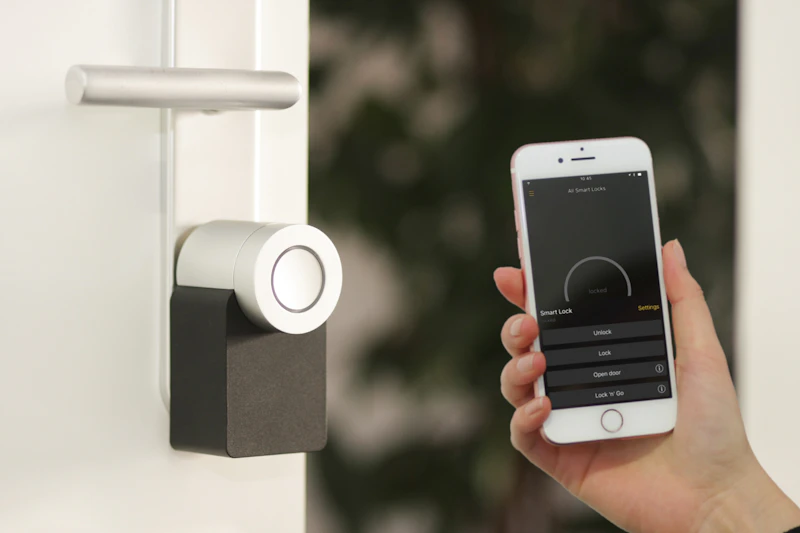
The single most critical vulnerability when hiring a third-party IT or smart home installer is unauthorized retention of administrative access. Dishonest contractors often set up mesh routers, DVR security cameras, and smart door locks using their own agency portal logins, leaving homeowners locked out of their own hardware.
What You Must Demand
Create the primary account using your personal email on your smartphone before handing the device to the technician for configuration.
Critical Red Flag
The technician refuses to give you the local router web admin password (192.168.1.1) claiming "it will void maintenance support."
2 IoT Network Isolation & Guest SSID Protocol
Smart home gadgets (cheap smart plugs, smart bulbs, robo-vacuums) have notoriously weak firmware security. A competent network professional should always separate smart devices from your personal computers and mobile banking devices using a dedicated IoT Virtual LAN (VLAN) or secondary 2.4GHz Guest Network.
- Primary 5GHz / 6GHz Network: Strictly for laptops, smartphones, tablets, and NAS backup storage.
- Isolated 2.4GHz IoT Network: For smart TVs, smart switches, robot cleaners, and ambient lighting.
- CCTV Dedicated VLAN: Security cameras routed to local NVR storage without open UPnP internet ports.
3 Mesh WiFi Node Placement & Spectrum Tuning
Signal Level Verification (RSSI Benchmark):
Node-to-node signal strength must measure between -50 dBm to -65 dBm. Any node exceeding -75 dBm will cause intermittent buffering and dropped Zoom calls.
Ethernet Backhaul Priority:
If your home has Cat6 wall ports, demand wired Ethernet backhaul rather than wireless daisy-chaining for 100% full gigabit speeds.
4 Verification Checklist Before Technician Leaves
Post-Installation Verification Protocol
- — Verify router admin login opens only with your personal credentials.
- — Conduct internet speed tests in the farthest bedroom and balcony with doors closed.
- — Ensure CCTV streams load directly on your phone when switched from WiFi to Mobile Data (4G/5G).
- — Confirm WPS (WiFi Protected Setup) is turned OFF in router settings to prevent PIN-cracking attacks.